Goal
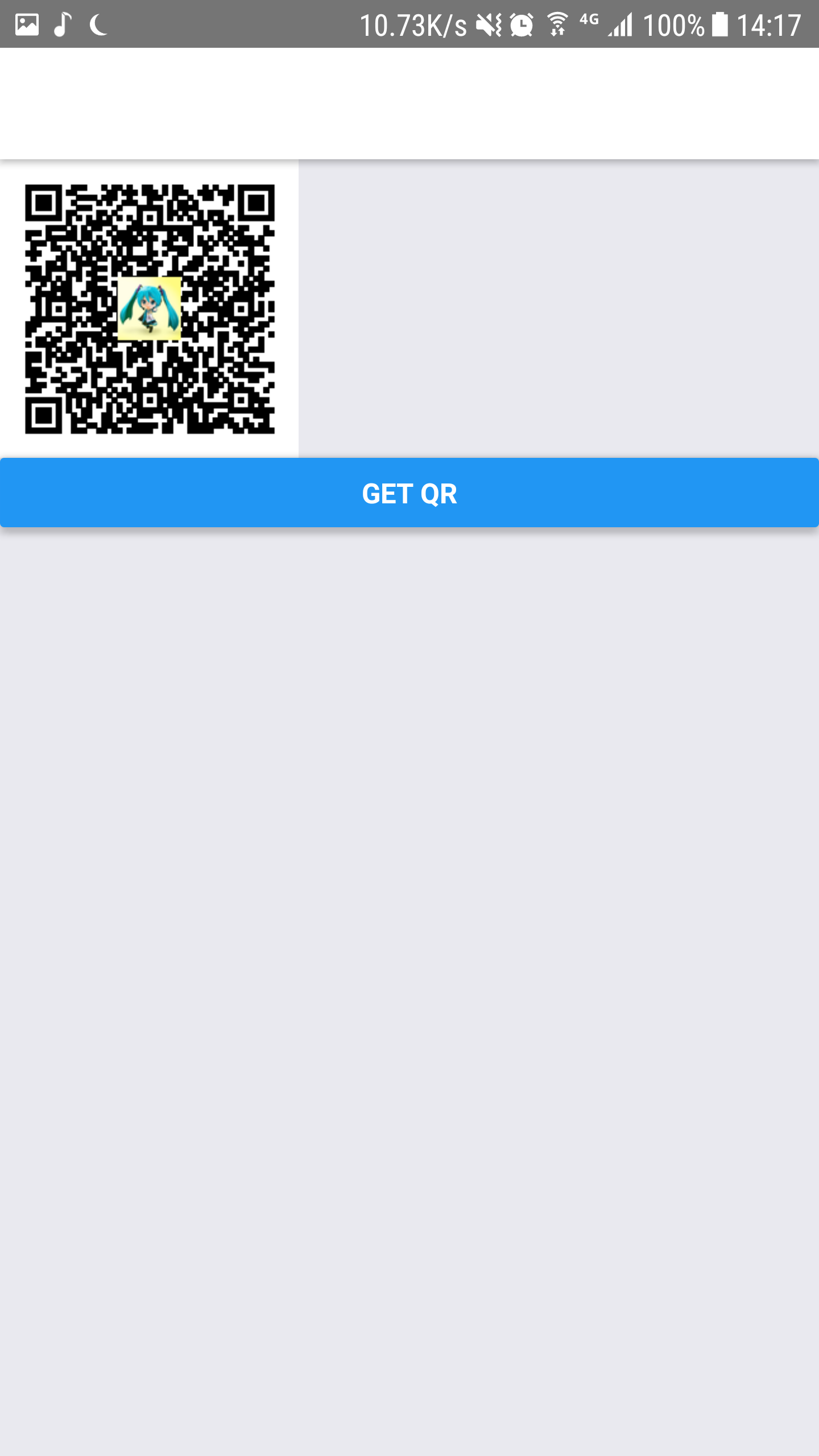
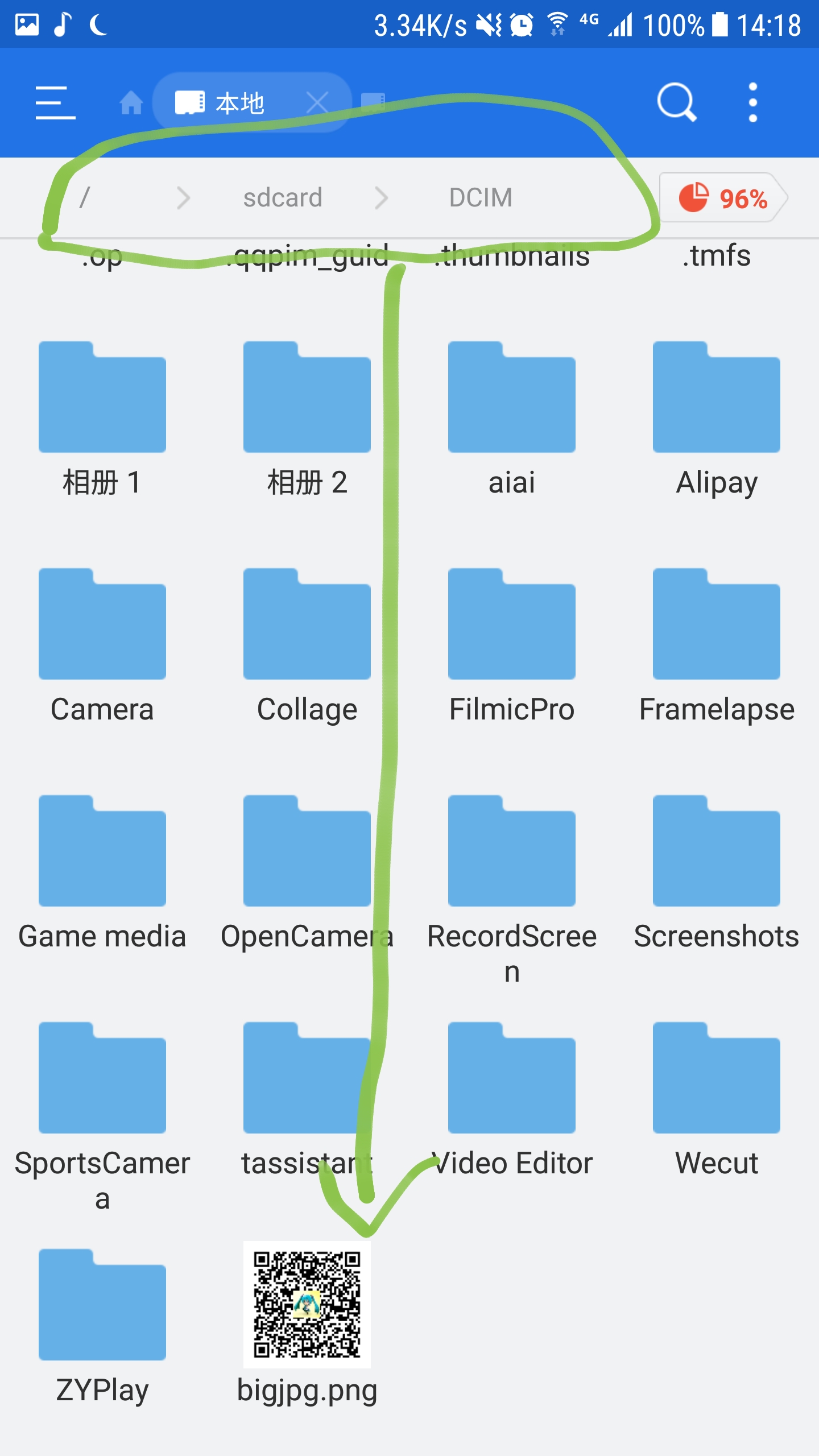
Save a base64 encode image to User album,
User can open album app and see that image.
Working Code
(test under Android phone, work for me)
using React Native 0.51
import fetch_blob from 'react-native-fetch-blob';
import RNFS from 'react-native-fs';
  const fs = fetch_blob.fs
  const dirs = fetch_blob.fs.dirs
  const file_path = dirs.DCIMDir + "/haha.png"
  // Test under 'Samsung Galaxy Note 5'
  // console.log(dirs.DocumentDir) // /data/user/0/com.bigjpg/files
  // console.log(dirs.CacheDir)    // /data/user/0/com.bigjpg/cache
  // console.log(dirs.DCIMDir)     // /storage/emulated/0/DCIM
  // console.log(dirs.DownloadDir) // /storage/emulated/0/Download
  // console.log(dirs.PictureDir)  // /storage/emulated/0/Pictures

  var image_data = json.qr.split('data:image/png;base64,');
  image_data = image_data[1];

  RNFS.writeFile(file_path, image_data, 'base64')
  .catch((error) => {
    alert(JSON.stringify(error));
  });
Explain
react-native-fetch-blob is for file path
react-native-fs is for save file
json.qr is base64 encode image data string: data:image/png;base64,iVrm..etc
I actually submit a Stackoverflow question
https://stackoverflow.com/questions/48134397/react-native-save-base64-image-to-album
Last
Any question you can contact me at: guokrfans#gmail.com
in case you want see full code, here it is:
Full Code
import React, { Component } from 'react';
import { View, StyleSheet, Button, AsyncStorage, FlatList, Text, Image } from 'react-native';
import I18n from '../i18n/i18n';
import API from './API';
import BigjpgStore from './BigjpgStore.js';
import fetch_blob from ‘react-native-fetch-blob’;
import RNFS from ‘react-native-fs’;
export default class QRScreen extends React.Component {
constructor(props) {
super(props);
this.state = {
list: [{ key: ‘a’ }, { key: ‘b’ }],
img_url: ‘’,
img_base64: ‘’,
};
}
getQR(){
var params = {
goods: ‘std’,
};
var esc = encodeURIComponent;
var query = Object.keys(params)
.map(k => esc(k) + ‘=’ + esc(params[k]))
.join(’&’);
var api = API.youzan_order;
var url = api + '?' + query;
fetch(url, {
  method: 'GET',
  headers: {
    'Accept': 'application/json',
    'Content-Type': 'application/json',
    'Cookie': BigjpgStore.cookie
  },
})
.then((res) => {
  return res.json()
}).then((json) => {
  this.setState({
    img_url: json.qr_url,
    img_base64: json.qr,
  })
  const fs = fetch_blob.fs
  const dirs = fetch_blob.fs.dirs
  const file_path = dirs.DCIMDir + "/bigjpg.png"
  // Test under 'Samsung Galaxy Note 5'
  // console.log(dirs.DocumentDir) // /data/user/0/com.bigjpg/files
  // console.log(dirs.CacheDir)    // /data/user/0/com.bigjpg/cache
  // console.log(dirs.DCIMDir)     // /storage/emulated/0/DCIM
  // console.log(dirs.DownloadDir) // /storage/emulated/0/Download
  // console.log(dirs.PictureDir)  // /storage/emulated/0/Pictures
  var image_data = json.qr.split('data:image/png;base64,');
  image_data = image_data[1];
  RNFS.writeFile(file_path, image_data, 'base64')
  .catch((error) => {
    alert(JSON.stringify(error));
  });

}).catch((error) => {
  alert(JSON.stringify(error));
});

}
render() {
return (
<View>
<View>
{this.state.img_base64 != ’’ &&
<Image
style={{ width: 150, height: 150 }}
source={{ uri: this.state.img_base64 }}
/>
}
<View style={{ marginBottom: 80 }}>
<Button onPress={() => { this.getQR() }} title=‘Get QR’></Button>
</View>
</View>
</View>
);
}
}
you can't just copy&paste to make it work.
there are some code you don't have
like
import I18n from '../i18n/i18n';
import API from './API';
import BigjpgStore from './BigjpgStore.js';
I still post these out anyway, hope it help.